Getting started#
Using a GUI#
The easiest way to use Dosepy is through a graphical user interface (GUI). Open a python interpreter (for example opening Anaconda Prompt and typing python) and import Dosepy.app as follows:
import Dosepy.app
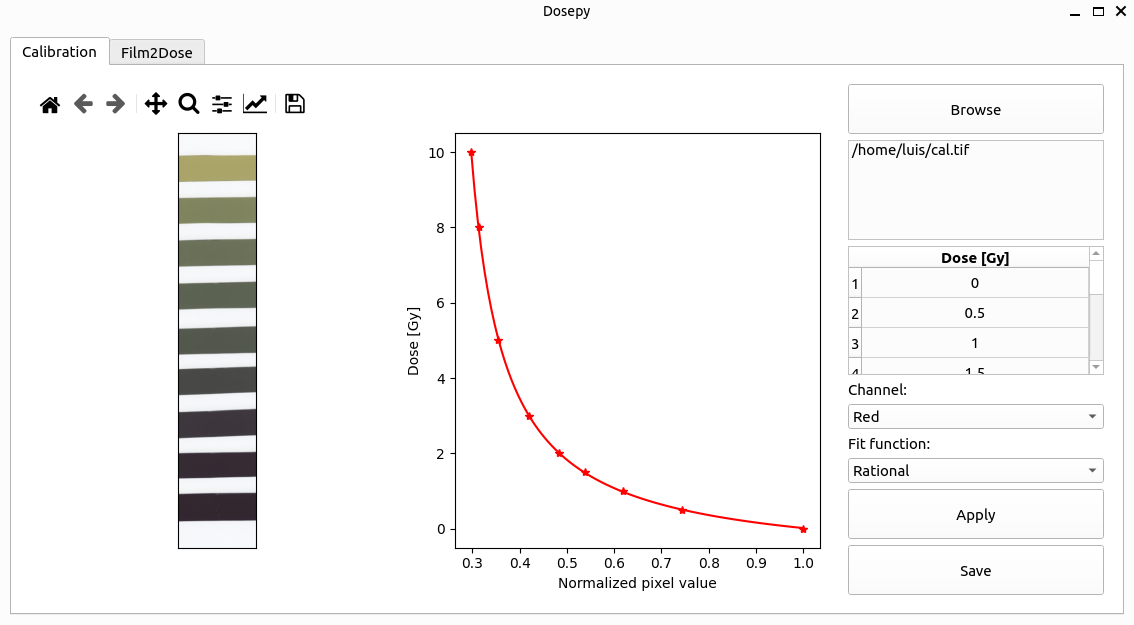
Click on the Browse button to load a tif file. The software will automatically find the scanned films. A table is then displayed to allow user’s inputs for imparted doses to the films.
Note
ROI size, color channel and other parameters can be changed on settings.