Installation#
If you are going to work with python packages (for example Dosepy), it is a good practice to create virtual environments for your different applications, to avoid python-packages dependency conflicts. To do that, first we need to install Miniconda (a python package manager). Once installed, open Anaconda Prompt (a black window) and write the following commands:
conda create -n myenv python=3.10
conda activate myenv
pip install Dosepy
The first line is used to create an environment named “myenv”, with a specific version of Python: 3.10
The second line activates the created environment
The last one to install Dosepy
For more information about environments, see this guide
Open Dosepy application#
To open the Dosepy application first start a python interpreter, for example running the python command:
python
Once you see the symbol >>>, run the next command:
>>> import Dosepy.app
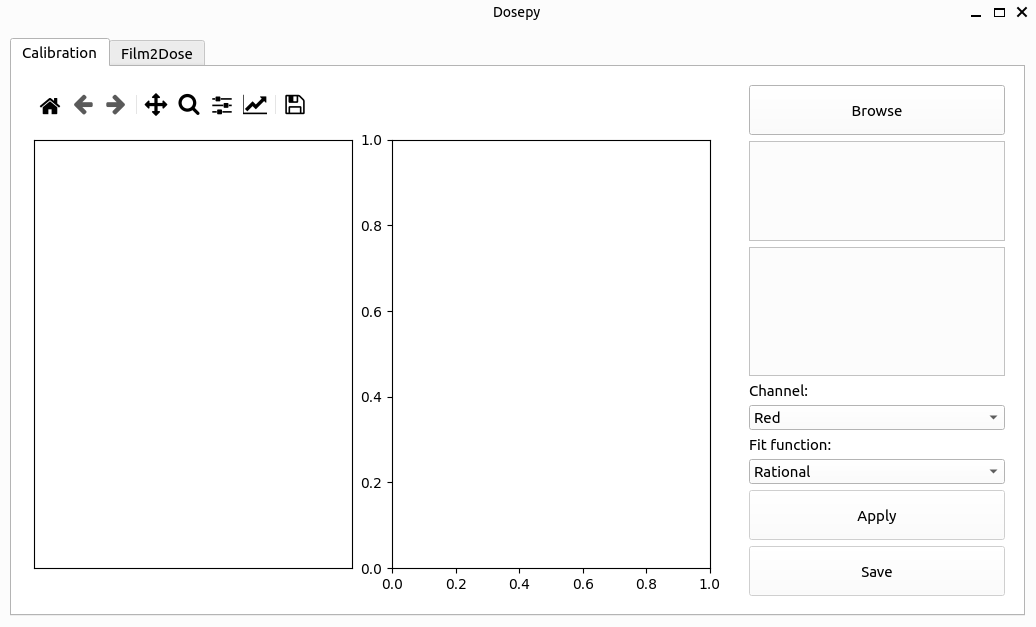
The main window should be displayed